
Tutorial: Report editor
CSA Loom
reporteditor — verified working against a live console by the UAT harness on 2026-07-01.
Open the editor
- Sign in to your CSA Loom Console (for example
https://<your-console-host>). - Open or create a workspace from the Workspaces page.
- Click + New item and choose Report from the catalog.
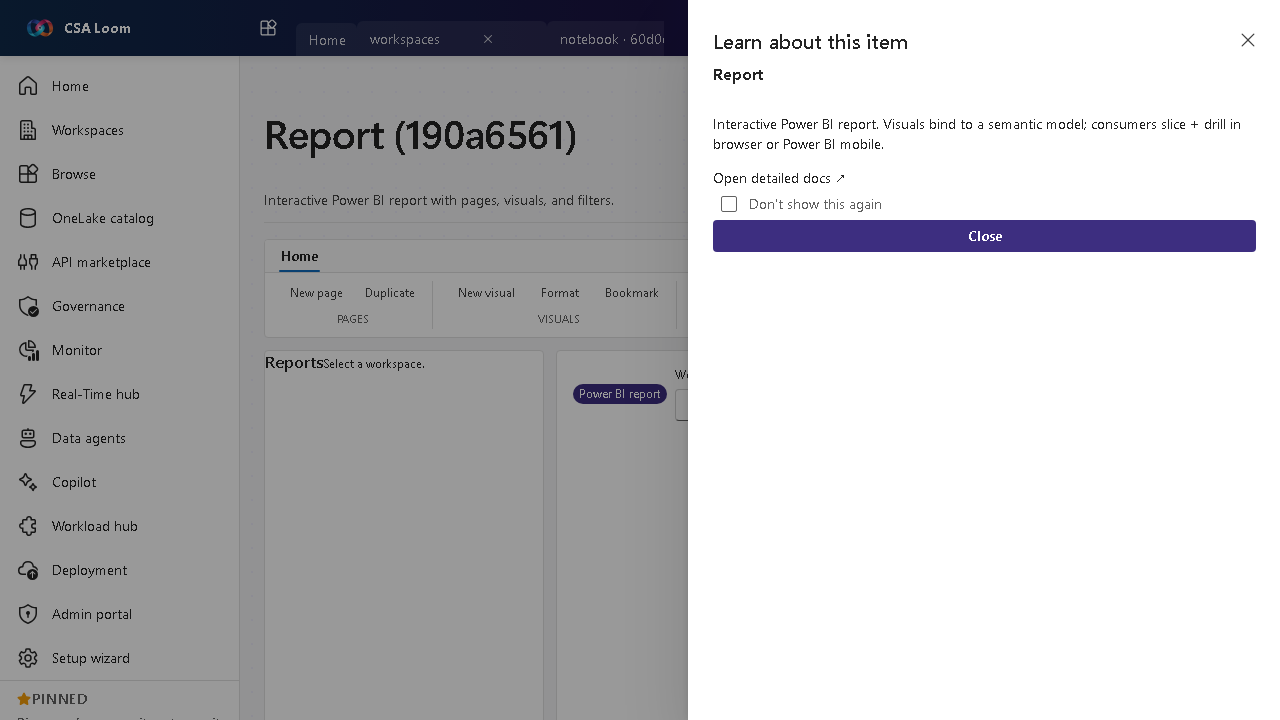
- The editor opens at
/items/report/<id>:
What this editor does
A Report is an interactive Power BI report with pages, visuals, and filters bound to a semantic model. In Loom it is reframed around embed, refresh, and export against live Power BI REST via the Console UAMI.
Getting started
- Bind a semantic model — The report's visuals read from a semantic model in the same workspace.
- Embed and view — Loom embeds the report so you can slice and drill in-console.
- Refresh underlying data — Refresh the bound semantic model to update the visuals.
- Export — Export to PDF/PPTX via the Power BI REST export-to-file flow; 401/403 surfaces a remediation hint.
Learn more
- Microsoft Learn reference: https://learn.microsoft.com/power-bi/create-reports/
Verified by the UAT harness
- Tested at:
2026-05-26T13:51:53.281Z - Verdict: A (renders cleanly, real backend responded)
- Test source:
apps/fiab-console/e2e/editors.uat.ts