
Tutorial: Paginated report editor
CSA Loom
paginated-reporteditor — verified working against a live console by the UAT harness on 2026-07-01.
Open the editor
- Sign in to your CSA Loom Console (for example
https://<your-console-host>). - Open or create a workspace from the Workspaces page.
- Click + New item and choose Paginated report from the catalog.
- The editor opens at
/items/paginated-report/<id>:
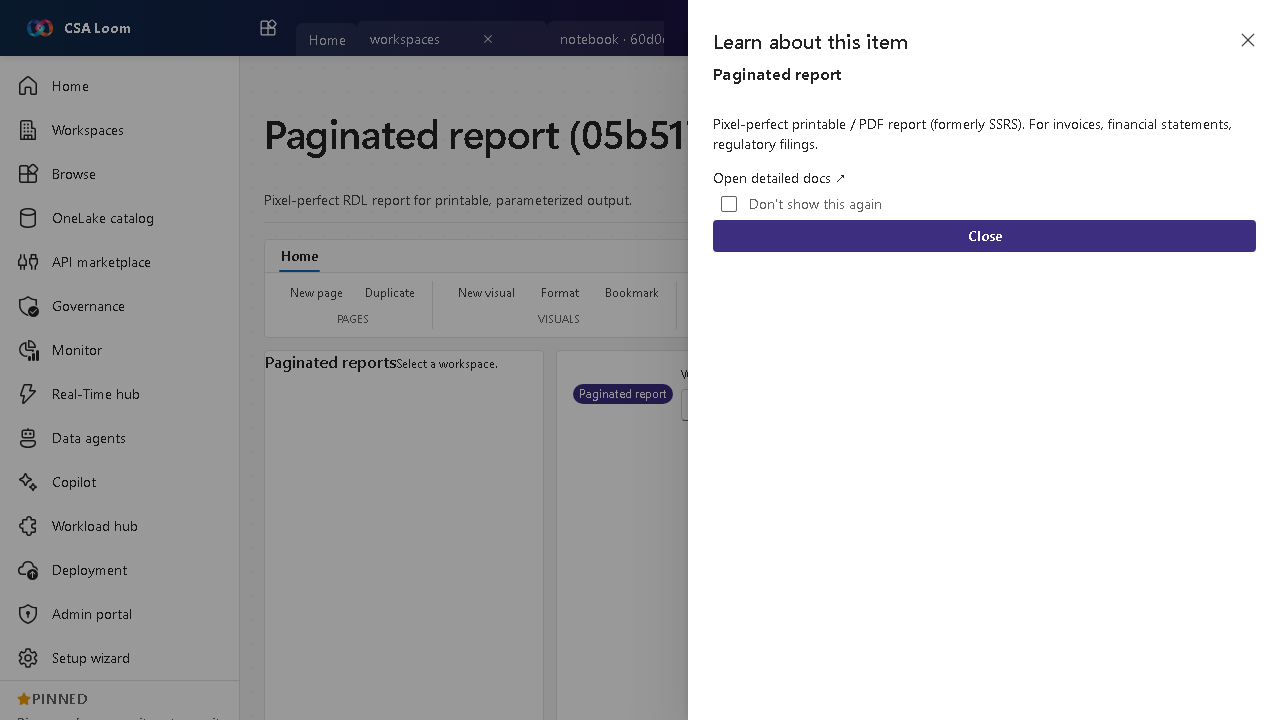
What this editor does
A Paginated report is a pixel-perfect RDL report for printable, parameterized output (formerly SSRS) — invoices, financial statements, regulatory filings. In Loom it is wired against live Power BI REST via the Console UAMI.
Getting started
- Bind a data source — The RDL report queries a semantic model or direct SQL source.
- Set parameters — Define report parameters so consumers run it for a specific scope (date range, entity).
- Render and view — Loom embeds the rendered report for review.
- Export to PDF — Export pixel-perfect output via Power BI REST; tenant 401/403 surfaces a remediation hint.
Learn more
- Microsoft Learn reference: https://learn.microsoft.com/power-bi/paginated-reports/paginated-reports-report-builder-power-bi
Verified by the UAT harness
- Tested at:
2026-05-26T13:52:01.282Z - Verdict: A (renders cleanly, real backend responded)
- Test source:
apps/fiab-console/e2e/editors.uat.ts