
Tutorial: Plan editor
CSA Loom
planeditor — verified working against a live console by the UAT harness on 2026-07-01.
Open the editor
- Sign in to your CSA Loom Console (for example
https://<your-console-host>). - Open or create a workspace from the Workspaces page.
- Click + New item and choose Plan from the catalog.
- The editor opens at
/items/plan/<id>:
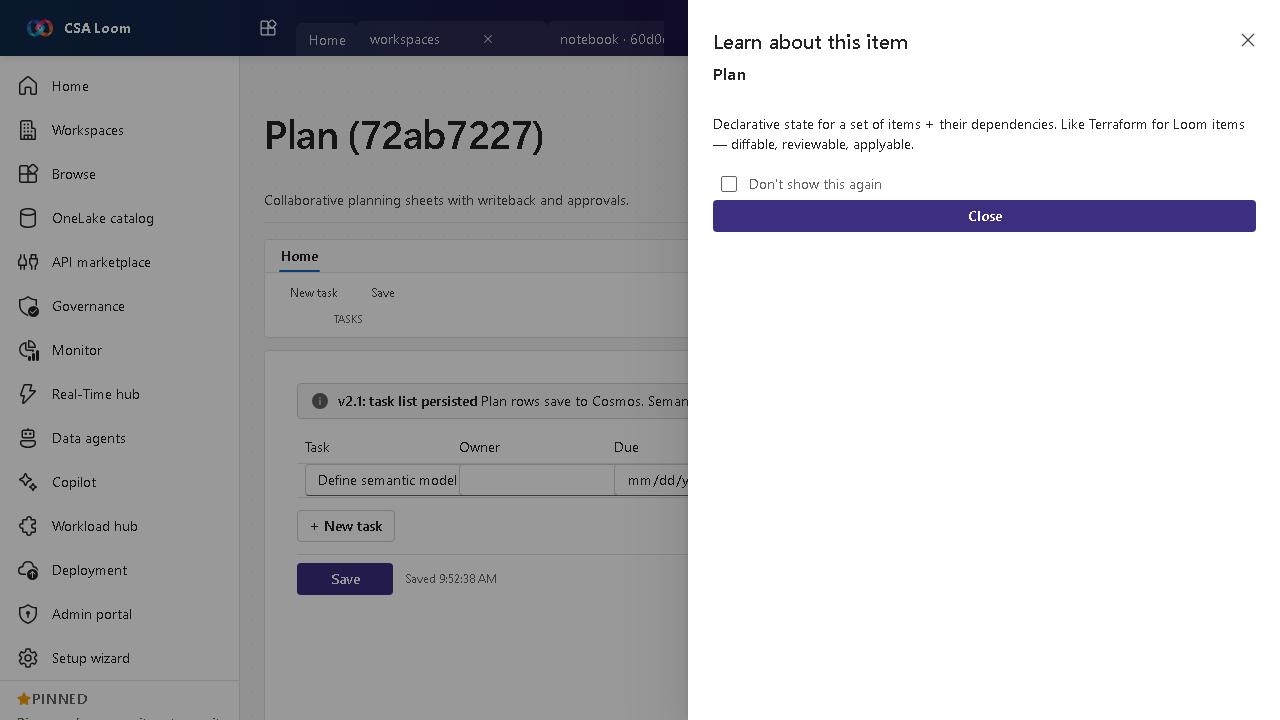
What this editor does
A Plan (preview) is the Fabric IQ EPM/CPM item: build budgets and forecasts across periods, branch what-if scenarios, and compare plan vs actuals. In Loom it is Azure-native — planning cells persist to Cosmos and write back to an Azure SQL database; actuals come from a bound semantic model. No Microsoft Fabric capacity required.
Getting started
- Add line items and periods — Define budget/forecast line items on the Planning sheet and the periods (months, quarters) to plan across.
- Branch scenarios — Create baseline, optimistic, pessimistic, and custom scenarios; each branch clones the source assumptions so you can model what-ifs side by side.
- Spread and breakback — On a roll-up parent cell, Spread evenly / by growth % / by weight allocates a total down to the child cells (with a preview table), and Breakback (edit total) edits the parent's total and pushes the change proportionally back into the children.
- Flag driver rows — Mark assumption rows (headcount, price, growth rate) as Drivers — they sort first in the Formula builder's picker and the dependency-ordered recompute evaluates drivers before the formulas that consume them.
- Ask Plan Copilot — Open the Plan Copilot rail to explain a variance, draft a forecast, or sanity-check the budget — it grounds an Azure OpenAI chat on this plan's cells, variance, and model.
- Compare plan vs actuals — Turn on the variance overlay to see Δ and Δ% against actuals from the bound semantic model (or entered manually).
- Write back to Azure SQL — Configure a backing Azure SQL database in Settings, then Write back to MERGE planning cells into dbo.loom_plan_cells for governed, queryable storage.
Learn more
- Microsoft Learn reference: https://learn.microsoft.com/fabric/iq/plan/overview
Verified by the UAT harness
- Tested at:
2026-05-26T13:52:42.688Z - Verdict: A (renders cleanly, real backend responded)
- Test source:
apps/fiab-console/e2e/editors.uat.ts