
Tutorial: GQL graph editor
CSA Loom
gql-grapheditor — verified working against a live console by the UAT harness on 2026-07-01.
Open the editor
- Sign in to your CSA Loom Console (for example
https://<your-console-host>). - Open or create a workspace from the Workspaces page.
- Click + New item and choose GQL graph from the catalog.
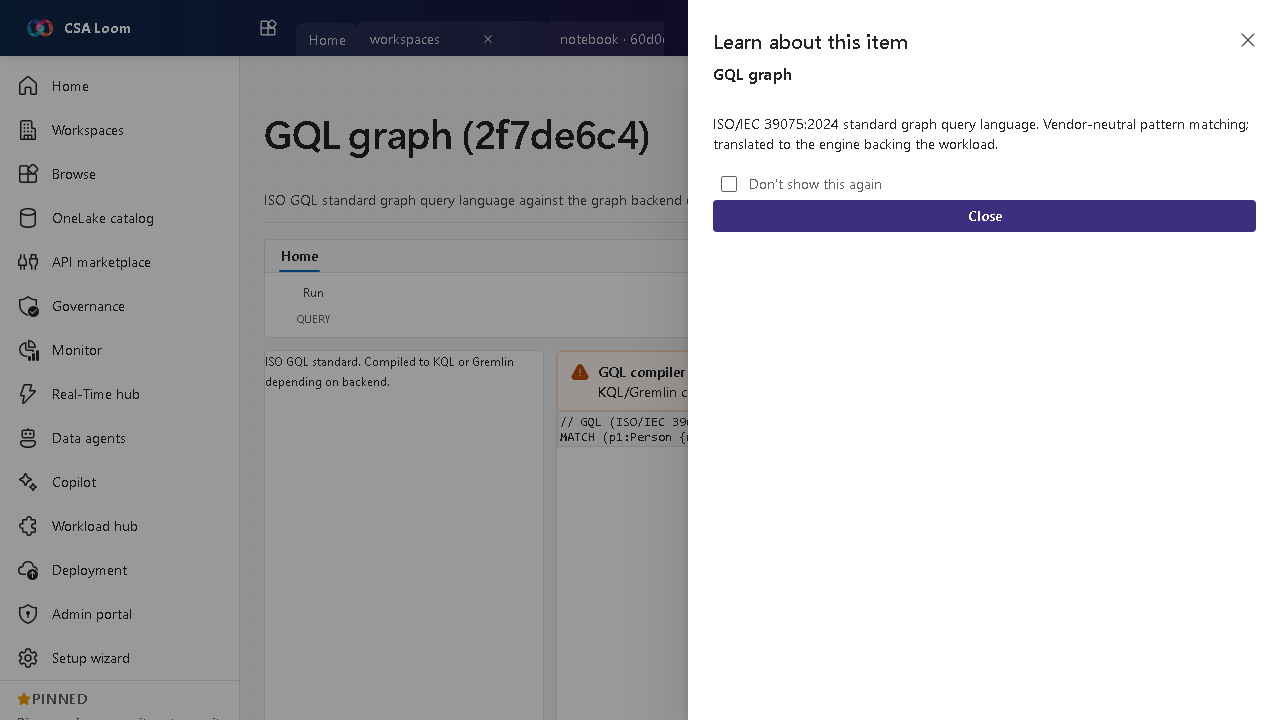
- The editor opens at
/items/gql-graph/<id>:
What this editor does
A GQL graph uses the ISO/IEC 39075:2024 standard graph query language — vendor-neutral pattern matching. In Loom it is dispatched to the graph backend of record (ADX graph operators via the KQL query route).
Getting started
- Write GQL patterns — Author standard GQL MATCH patterns against your graph.
- Dispatch to backend — Loom routes the query to the graph backend of record (ADX graph via the KQL route).
- Inspect results — Results render in the force-directed graph view.
- Know the standard — GQL is the ISO standard; use it when you want engine-neutral graph queries.
Learn more
- Microsoft Learn reference: https://learn.microsoft.com/azure/data-explorer/kusto/query/graph-operators
Verified by the UAT harness
- Tested at:
2026-05-26T13:56:47.665Z - Verdict: A (renders cleanly, real backend responded)
- Test source:
apps/fiab-console/e2e/editors.uat.ts