
Tutorial: Cosmos Gremlin graph editor
CSA Loom
cosmos-gremlin-grapheditor — verified working against a live console by the UAT harness on 2026-07-01.
Open the editor
- Sign in to your CSA Loom Console (for example
https://<your-console-host>). - Open or create a workspace from the Workspaces page.
- Click + New item and choose Cosmos Gremlin graph from the catalog.
- The editor opens at
/items/cosmos-gremlin-graph/<id>:
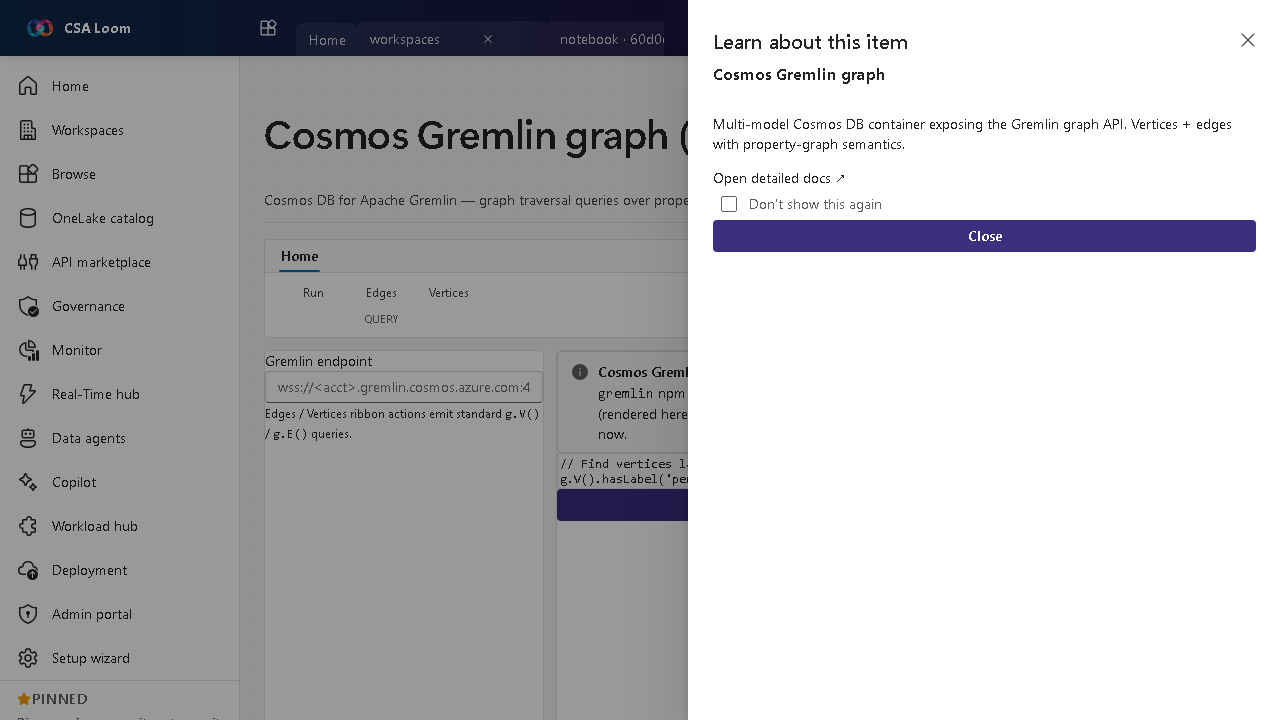
What this editor does
A Cosmos Gremlin graph is Cosmos DB for Apache Gremlin — graph traversal over property graphs. In Loom queries run via /api/items/cosmos-gremlin-graph/[id]/query (the gremlin npm client with AAD or account-key auth); a 501 surfaces if the runtime isn't configured.
Getting started
- Connect the account — The query route uses the gremlin client with AAD or account-key auth against the Cosmos Gremlin account.
- Write a traversal — Author Gremlin steps (g.V().has(...).out(...)) over your property graph.
- Run the query — Submit to the real query route; results render in the force-directed graph view.
- Handle not-configured — If the runtime isn't configured the editor surfaces the 501 deferred message rather than faking data.
Learn more
- Microsoft Learn reference: https://learn.microsoft.com/azure/cosmos-db/gremlin/introduction
Verified by the UAT harness
- Tested at:
2026-05-26T13:56:39.513Z - Verdict: A (renders cleanly, real backend responded)
- Test source:
apps/fiab-console/e2e/editors.uat.ts