
Tutorial: Operations agent editor
CSA Loom
operations-agenteditor — verified working against a live console by the UAT harness on 2026-07-01.
Open the editor
- Sign in to your CSA Loom Console (for example
https://<your-console-host>). - Open or create a workspace from the Workspaces page.
- Click + New item and choose Operations agent from the catalog.
- The editor opens at
/items/operations-agent/<id>:
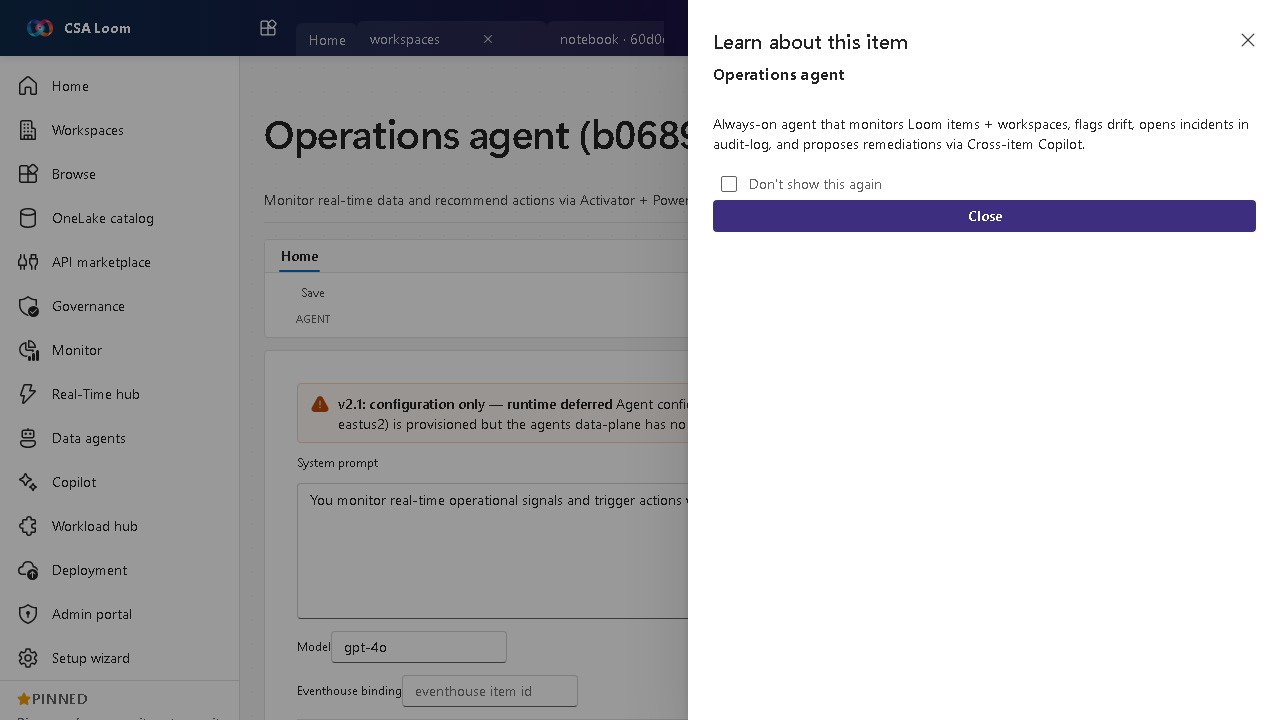
What this editor does
An Operations agent is an AI agent that watches your real-time operational data and proposes actions (preview). In Loom it is Azure-native: the agent's instructions, model, and tools are configured in the editor, it grounds on a bound Eventhouse (Azure Data Explorer) and Ontology, runs live test questions with tool traces, evaluates time / data-change triggers as real Azure Monitor rules, and drafts human-in-the-loop remediation proposals. The editor has four tabs: Configure, Test / Run, Triggers, and Proposals — no Microsoft Fabric required.
Getting started
- Configure the agent — On the Configure tab set the instructions and model, and bind the Eventhouse (ADX) and Ontology the agent grounds on — dropdown pickers, no freeform ids. Deploy to Foundry optionally publishes the definition to the Azure AI Foundry Agent Service.
- Test / Run — Ask the agent a live operational question on the Test / Run tab; it queries the bound Eventhouse and Ontology and shows the per-tool run trace alongside the answer.
- Create triggers — On the Triggers tab wire time-based and data-change triggers — real Azure Monitor scheduled-query rules over the bound data — so the agent runs hands-off.
- Review proposals — The Proposals tab is human-in-the-loop: the agent drafts operational actions and you approve or reject each one before anything executes.
Learn more
- Microsoft Learn reference: https://learn.microsoft.com/azure/ai-services/agents/overview
Verified by the UAT harness
- Tested at:
2026-05-26T13:52:51.430Z - Verdict: A (renders cleanly, real backend responded)
- Test source:
apps/fiab-console/e2e/editors.uat.ts