Home > Docs > Developer Pathways
Developer Pathways
Note
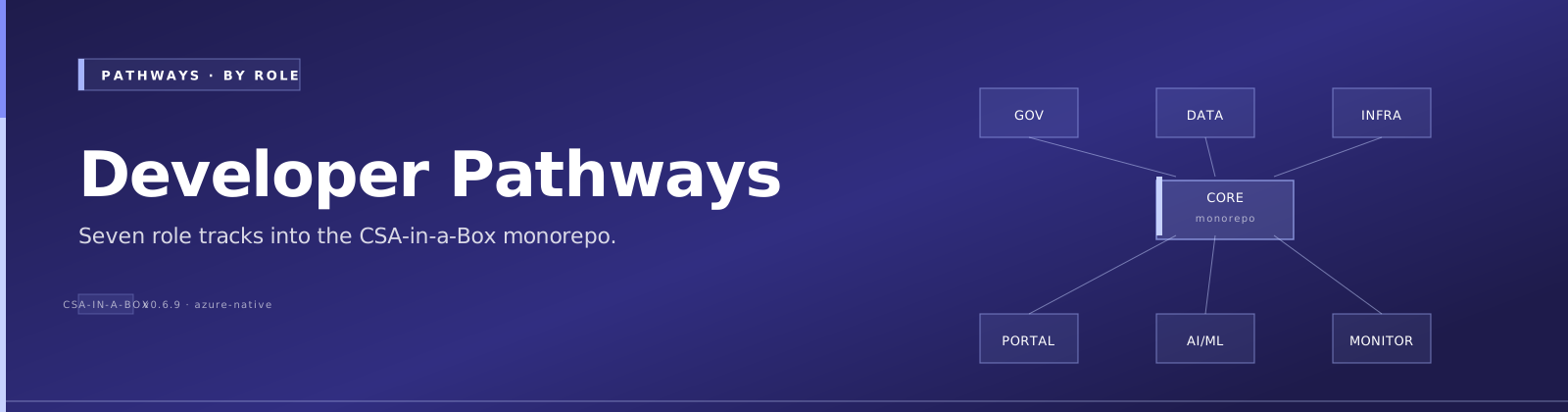
Quick Summary: Role-based navigation guide for the CSA-in-a-Box codebase — find your area of focus (governance, pipelines, infra, portal, AI/ML, Functions, monitoring), jump to the relevant code, and get started with key commands and directory maps.
This guide maps developer roles to the relevant parts of the codebase. Instead of trying to understand everything at once, focus on the area you'll be working in.
🔍 "Working on X?" Quick Reference
Find your task below and jump straight to the code.
Working on governance?
Code: csa_platform/governance/, tests/
make setup               # Install dependencies
make test                # Run governance tests (80% coverage gate)
make typecheck           # Strict mypy validation
Key modules: csa_platform/csa_platform/governance/contracts/ (data contracts), csa_platform/csa_platform/governance/dataquality/ (quality rules), csa_platform/csa_platform/governance/rbac/ (role-based access), csa_platform/csa_platform/governance/compliance/ (compliance checks), csa_platform/csa_platform/governance/finops/ (cost governance).
Working on data pipelines?
Code: domains/*/dbt/, tools/, scripts/seed/, scripts/streaming/
make setup               # Install dependencies
make test-dbt            # Validate dbt compilation
make seed                # Load sample data
Domain examples: domains/finance/, domains/sales/, domains/inventory/. Shared models: domains/shared/dbt/. Streaming: scripts/streaming/.
Working on infrastructure?
Code: deploy/bicep/, monitoring/, .github/workflows/
Bicep modules: deploy/bicep/DLZ/ (Data Landing Zone), deploy/bicep/DMLZ/ (Data Management Landing Zone). Alerts: monitoring/alerts/. Dashboards: monitoring/grafana/dashboards/.
Working on the portal?
Code: portal/ (UI implementations) and /cli/ (CLI variant, CSA-0066)
cd portal/react-webapp && npm install && npm run dev    # React portal
python -m cli --help                                    # CLI variant
make portal-dev                                         # Supervised backend+frontend+dbt (CSA-0051)
Shared types: portal/shared/contracts/types.ts. Components: portal/react-webapp/src/components/. Auth: portal/react-webapp/src/services/authConfig.ts. K8s deployment: portal/kubernetes/. CLI commands: cli/commands/.
Working on AI/ML?
Code: csa_platform/ai_integration/, csa_platform/metadata_framework/, csa_platform/data_marketplace/
pip install -e ".[platform]"     # Install platform dependencies
make typecheck-platform          # Type check platform code
RAG pipeline: csa_platform/ai_integration/rag/. Pipeline auto-generation: csa_platform/metadata_framework/generator/. Data marketplace: csa_platform/data_marketplace/.
Typing third-party SDK clients (Azure management SDKs, Databricks, etc.)? Follow the SDK typing strategy — use the real client type for typed SDKs, or a structural
Protocolincsa_platform/common/typed_clients.pyfor untyped ones. Never annotate a client asAny.
Working on monitoring & alerting?
Code: monitoring/alerts/, monitoring/grafana/
Alert modules: monitoring/alerts/main.bicep (orchestrator), individual modules for pipelines, Databricks, storage, Key Vault, data quality, and budgets. Grafana dashboards: monitoring/grafana/dashboards/.
Working on Azure Functions?
Code: csa_platform/functions/*/functions/ (aiEnrichment / eventProcessing / secretRotation) and csa_platform/functions/validation/ (PII / schema / quality / Teams)
Three function apps: aiEnrichment/, eventProcessing/, secretRotation/. Each has a function_app.py entry point. Tests: tests/functions/.
🚀 Quick Start by Role
Data Engineer
Focus areas: domains/, tools/dbt/, scripts/seed/, scripts/streaming/ Technologies needed: Python, PySpark, dbt (SQL + Jinja), Delta Lake Getting started:
- Run
make setup(ormake setup-winon Windows) - Explore
domains/shared/dbt/for the core data models - Run
make test-dbtto verify dbt compilation - Review
domains/finance/,domains/sales/,domains/inventory/for domain examples
Governance Developer
Focus areas: csa_platform/governance/, tests/ Technologies needed: Python, structlog, pytest Getting started:
- Run
make setup - Run
make test— this validates governance code with 80% coverage gate - Key modules:
csa_platform/csa_platform/governance/contracts/(data contracts),csa_platform/csa_platform/governance/dataquality/(quality rules) - Run
make typecheckfor strict mypy validation
Platform / AI Engineer
Focus areas: csa_platform/ai_integration/, csa_platform/metadata_framework/, csa_platform/data_marketplace/ Technologies needed: Python, Azure OpenAI, Azure AI Search, FastAPI Getting started:
- Run
pip install -e ".[platform]"for platform dependencies - Explore
csa_platform/ai_integration/rag/for the RAG pipeline - See
csa_platform/metadata_framework/generator/for pipeline auto-generation - Run
make typecheck-platformfor type checking
Infrastructure / DevOps Engineer
Focus areas: deploy/bicep/, monitoring/, .github/workflows/, portal/kubernetes/ Technologies needed: Bicep, Azure CLI, GitHub Actions, Helm Getting started:
- Run
make lint-bicepto validate Bicep templates - Review
deploy/bicep/DLZ/(Data Landing Zone) anddeploy/bicep/DMLZ/(Data Management Landing Zone) - Check
monitoring/alerts/for operational alerting - See
.github/workflows/deploy.ymlfor CI/CD pipeline
Frontend Developer
Focus areas: portal/react-webapp/, portal/shared/ Technologies needed: TypeScript, React/Next.js, Tailwind CSS Getting started:
-
cd portal/react-webapp && npm install && npm run dev - Shared type definitions:
portal/shared/contracts/types.ts - Component library:
portal/react-webapp/src/components/ - Auth config:
portal/react-webapp/src/services/authConfig.ts
Azure Functions Developer
Focus areas: csa_platform/functions/*/functions/ and csa_platform/functions/validation/ Technologies needed: Python, Azure Functions SDK, Azure SDKs Getting started:
- Run
pip install -e ".[functions]" - Three function apps:
aiEnrichment/,eventProcessing/,secretRotation/ - Each has a
function_app.pyentry point - Tests:
tests/functions/
📁 Directory Map
| Directory | Purpose | Owner Role |
|---|---|---|
deploy/bicep/ | Infrastructure as Code (Bicep) | DevOps |
domains/ | Data domain models (finance, sales, inventory) | Data Engineer |
examples/ | Reference implementations for gov agencies | Data Engineer |
csa_platform/governance/ | Data governance framework (contracts, quality, RBAC) | Governance Dev |
monitoring/ | Alerting and dashboards (Bicep + Grafana) | DevOps |
csa_platform/ | Platform services (AI, metadata, marketplace) | Platform Engineer |
portal/ | Web portal (React, K8s deployment) | Frontend Dev |
scripts/ | Operational scripts (deploy, seed, monitor) | DevOps |
templates/ | Data product templates | Data Engineer |
tests/ | Test suite (unit, e2e, contracts, load) | All |
tools/ | Development tools (dbt) | Data Engineer |
⌨️ Common Tasks
| Task | Command |
|---|---|
| Set up dev environment | make setup / make setup-win |
| Run all tests | make test |
| Run linter | make lint |
| Auto-fix lint issues | make lint-fix |
| Type check governance | make typecheck |
| Type check platform | make typecheck-platform |
| Validate Bicep | make lint-bicep |
| Run dbt tests | make test-dbt |
| Deploy to dev (dry run) | make deploy-dev |
| Load sample data | make seed |
| Run security scan | make security |
📛 Directory Naming Conventions
Warning
Directory names in this repo use mixed conventions for historical reasons. Do not rename existing directories, as doing so would break Python imports, Bicep module references, CI/CD paths, and dbt project references.
The naming styles present in the codebase are:
| Style | Examples | Where |
|---|---|---|
snake_case | ai_integration, data_marketplace, data_activator, metadata_framework | Python packages under csa_platform/governance/, csa_platform/ |
camelCase | aiEnrichment, eventProcessing, secretRotation | Azure Functions app subdirectories under csa_platform/functions/ |
lowercase | finops, rbac, purview | Short single-word names |
Guidelines for new directories:
- Python packages (importable modules): Use
snake_case— required by Python's import system. - Infrastructure / Bicep / non-Python directories: Use
kebab-case— consistent with Azure naming conventions. - When in doubt: Match the convention already used by the parent directory.
🏗️ Architecture Overview
See ARCHITECTURE.md for the full system architecture.
High-level structure:
- Data Mesh pattern: Each domain (finance, sales, inventory) owns its data models
- Medallion architecture: Bronze (raw) → Silver (cleaned) → Gold (business-ready)
- Governance as code: Data contracts, quality rules, and RBAC policies defined in YAML/JSON
- Platform services: AI enrichment, metadata framework, and data marketplace as shared services
See also:
- ← Previous: Quickstart
- → Next: Production Checklist
- ⌂ Index: Documentation home