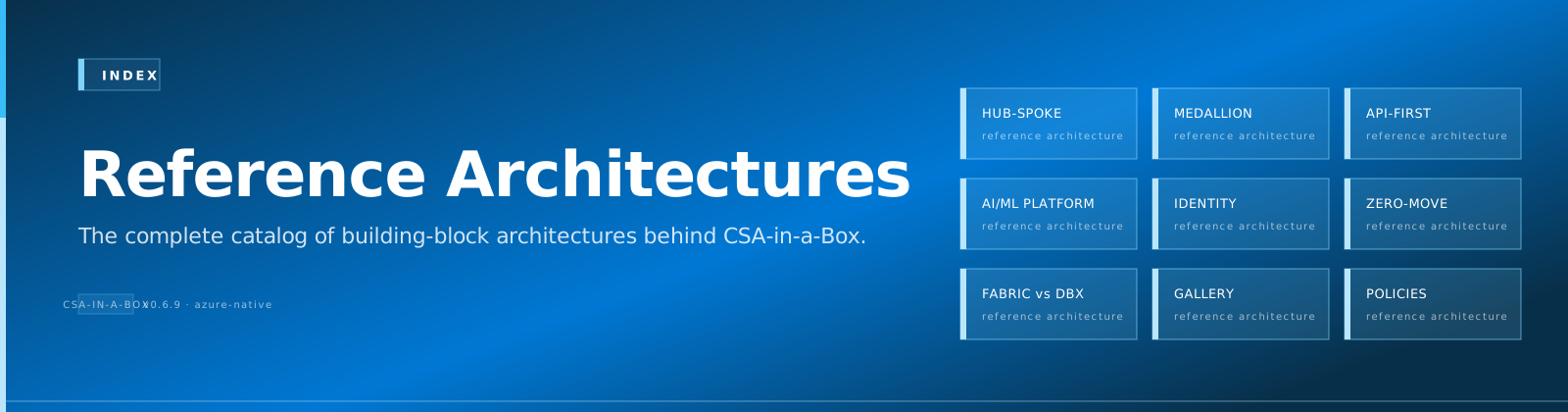
Reference Architectures
Visual reference architectures for the most common deployment scenarios. All diagrams are mermaid source so they render natively in the docs site, GitHub, and any markdown viewer — and they stay diff-friendly in git.
Available
| Diagram | Purpose | When to read |
|---|---|---|
| Hub-Spoke Topology for Analytics | Network design for an analytics landing zone | Designing your VNet layout, choosing between hub-spoke and Virtual WAN |
| Data Flow (Medallion) | End-to-end data flow from ingestion to consumption | Understanding bronze→silver→gold→serving layering and where each Azure service fits |
| Identity & Secrets Flow | How Entra ID, managed identities, Key Vault, and RBAC connect | Designing your identity and secrets posture — particularly for compliance audits |
| Fabric vs Synapse vs Databricks | Decision tree for choosing your compute/SQL engine | Greenfield workload design and migration planning |
Why mermaid (not drawio / Visio / png)
| Property | Mermaid | drawio / Visio / PNG |
|---|---|---|
| Diff-friendly | ✅ Plain text | ❌ Binary or XML blob |
| Renders inline in docs site | ✅ Native (mkdocs-material) | ⚠️ Image only |
| Renders inline on GitHub | ✅ | ⚠️ Image only |
| Editable by anyone with a text editor | ✅ | ⚠️ Needs the tool |
| Good for complex layered diagrams | ⚠️ Limited | ✅ Better |
We use mermaid as the default and reach for drawio only when a diagram cannot be expressed cleanly in mermaid. Where drawio is used, both the .drawio source AND a rendered PNG are committed.
How to contribute a reference architecture
- Add a new file under
docs/reference-architecture/named for the scenario - Use the templated structure (Problem → Architecture → Components → Trade-offs → Variants → Related)
- Mermaid source goes in fenced
```mermaidblocks - Link to relevant ADRs, Best Practices, and Examples
- Open a PR — the diagram appears live on next docs deploy