
Tutorial: Geo dataset editor
CSA Loom
geo-dataseteditor — verified working against a live console by the UAT harness on 2026-07-01.
Open the editor
- Sign in to your CSA Loom Console (for example
https://<your-console-host>). - Open or create a workspace from the Workspaces page.
- Click + New item and choose Geo dataset from the catalog.
- The editor opens at
/items/geo-dataset/<id>:
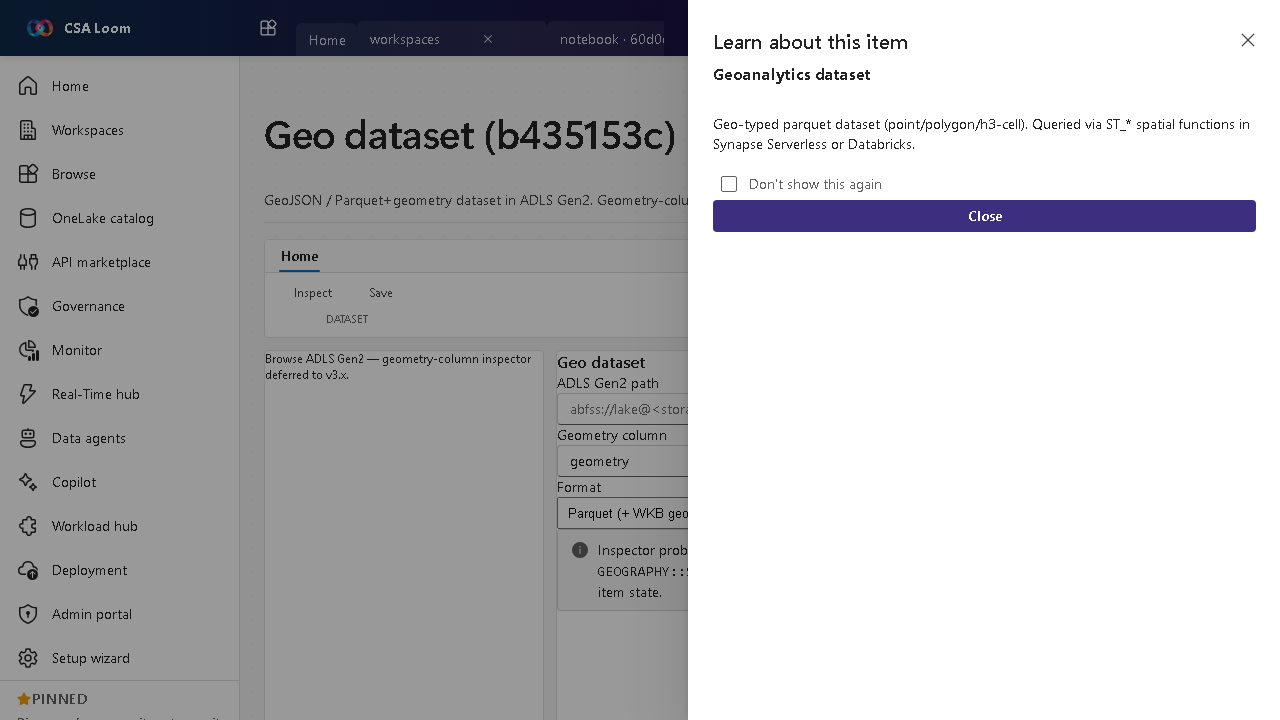
What this editor does
A Geo dataset is a GeoJSON or Parquet+geometry dataset in ADLS Gen2. In Loom the geometry-column inspector runs a sample T-SQL OPENROWSET against Synapse Serverless via the existing query route so you can preview the data.
Getting started
- Point at an ADLS path — Set the ADLS Gen2 path to your GeoJSON or Parquet+geometry data.
- Inspect geometry — The inspector runs a sample OPENROWSET to Synapse Serverless to surface the geometry column.
- Preview rows — Review a sample to confirm the geometry type (point/polygon/H3 cell).
- Use downstream — Reference the dataset from geo maps, queries, and pipelines.
Learn more
- Microsoft Learn reference: https://learn.microsoft.com/azure/synapse-analytics/sql/query-parquet-files
Verified by the UAT harness
- Tested at:
2026-05-26T13:56:27.256Z - Verdict: A (renders cleanly, real backend responded)
- Test source:
apps/fiab-console/e2e/editors.uat.ts