
Tutorial: Ontology editor
CSA Loom
ontologyeditor — verified working against a live console by the UAT harness on 2026-07-01.
Open the editor
- Sign in to your CSA Loom Console (for example
https://<your-console-host>). - Open or create a workspace from the Workspaces page.
- Click + New item and choose Ontology from the catalog.
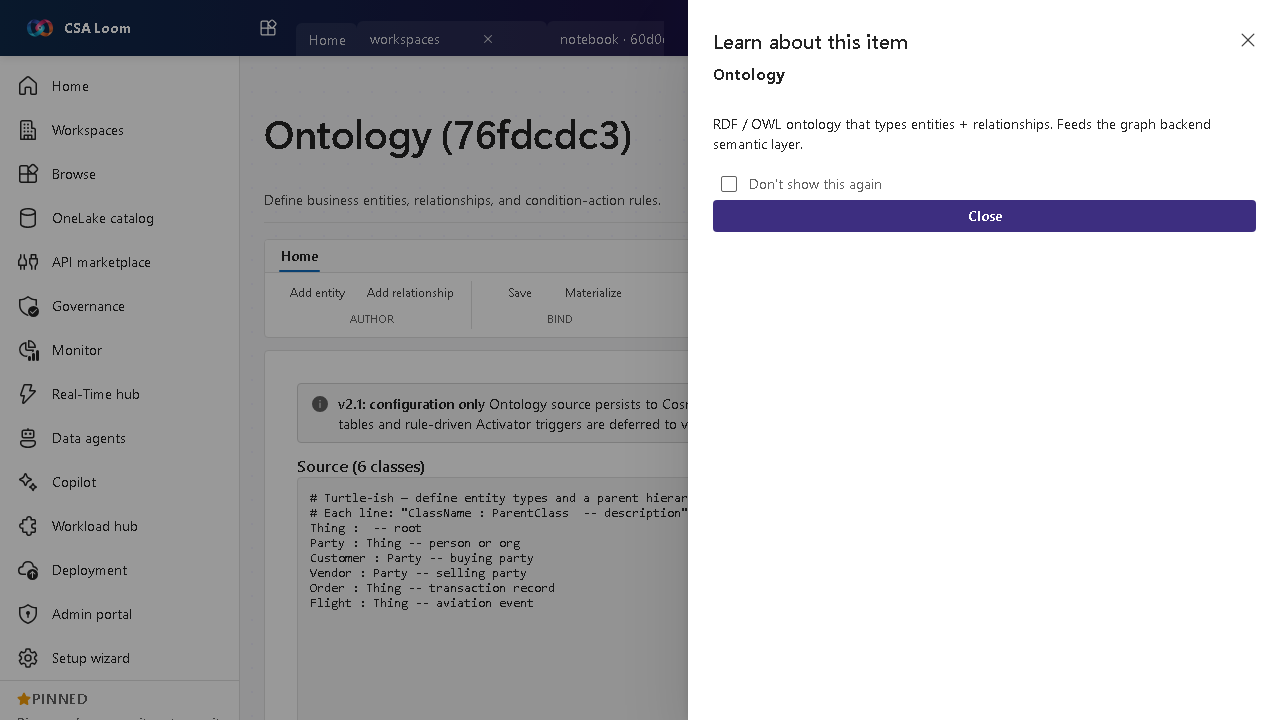
- The editor opens at
/items/ontology/<id>:
What this editor does
An Ontology defines business object types, link types, actions, and interfaces over your data (preview). In Loom it is a typed modeling surface — structured forms, no freeform JSON — whose instances live in a real graph backend, and whose object types can be backed by a Lakehouse / Warehouse datasource with per-property column mapping. The editor's tabs are Object types, Link types, Actions, Interfaces, and Shared properties.
Getting started
- Define object types — On the Object types tab declare each business entity with the typed form — properties with base types, a title property, status, and color. No JSON textarea.
- Back a type with a datasource — Bind an object type to a Lakehouse / Warehouse table and map each ontology property to a source column — the editor browses the live Synapse schema so the column mapping is picked, not typed.
- Define link types and interfaces — Connect object types with typed link types (cardinality + properties), and declare Interfaces / Shared properties as contracts that object types implement.
- Create instances and links — Use the typed instance form to create real object instances and link instances between them — both persist to the graph backend (Apache AGE), and Actions execute as real graph transactions.
Learn more
- Microsoft Learn reference: https://learn.microsoft.com/fabric/fundamentals/fabric-iq
Verified by the UAT harness
- Tested at:
2026-05-26T13:52:34.479Z - Verdict: A (renders cleanly, real backend responded)
- Test source:
apps/fiab-console/e2e/editors.uat.ts