
Tutorial: Cross-item Copilot editor
CSA Loom
cross-item-copiloteditor — verified working against a live console by the UAT harness on 2026-07-01.
Open the editor
- Sign in to your CSA Loom Console (for example
https://<your-console-host>). - Open or create a workspace from the Workspaces page.
- Click + New item and choose Cross-item Copilot from the catalog.
- The editor opens at
/items/cross-item-copilot/<id>:
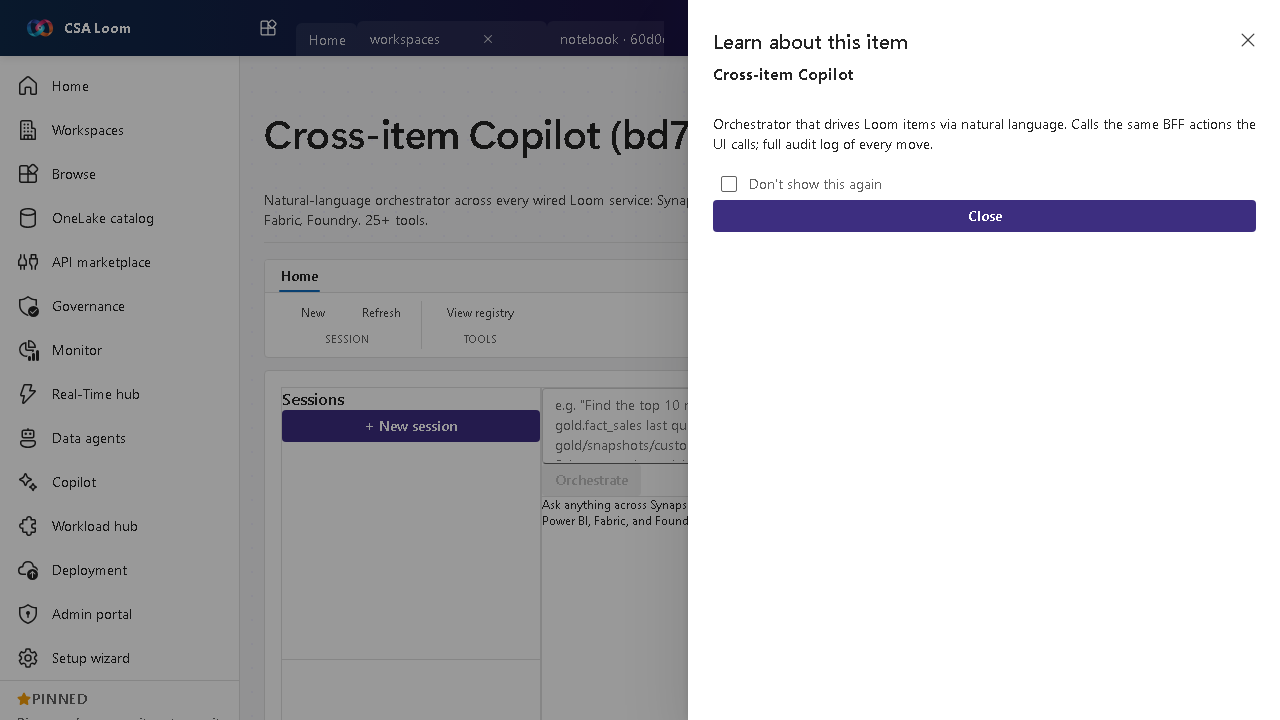
What this editor does
The Cross-item Copilot is a natural-language orchestrator across every wired Loom service — Synapse, Lakehouse, Databricks, APIM, ADX, ADF, Power BI, Fabric, Foundry (25+ tools). In Loom it streams from POST /api/copilot/orchestrate via SSE and calls the same BFF actions the UI calls, with a full audit log.
Getting started
- Start a session — Open a session in the left rail; the right rail lists registered tools grouped by service.
- Ask in natural language — Describe the task; the orchestrator streams its plan and steps live via SSE.
- Watch tool calls — Each step calls the same BFF action the UI uses against real services.
- Audit every move — Review the full audit log of actions the Copilot performed.
Learn more
- Microsoft Learn reference: https://learn.microsoft.com/fabric/fundamentals/copilot-fabric-overview
Verified by the UAT harness
- Tested at:
2026-05-26T13:56:01.395Z - Verdict: A (renders cleanly, real backend responded)
- Test source:
apps/fiab-console/e2e/editors.uat.ts