
Tutorial: Geo query editor
CSA Loom
geo-queryeditor — verified working against a live console by the UAT harness on 2026-07-01.
Open the editor
- Sign in to your CSA Loom Console (for example
https://<your-console-host>). - Open or create a workspace from the Workspaces page.
- Click + New item and choose Geo query from the catalog.
- The editor opens at
/items/geo-query/<id>:
What this editor does
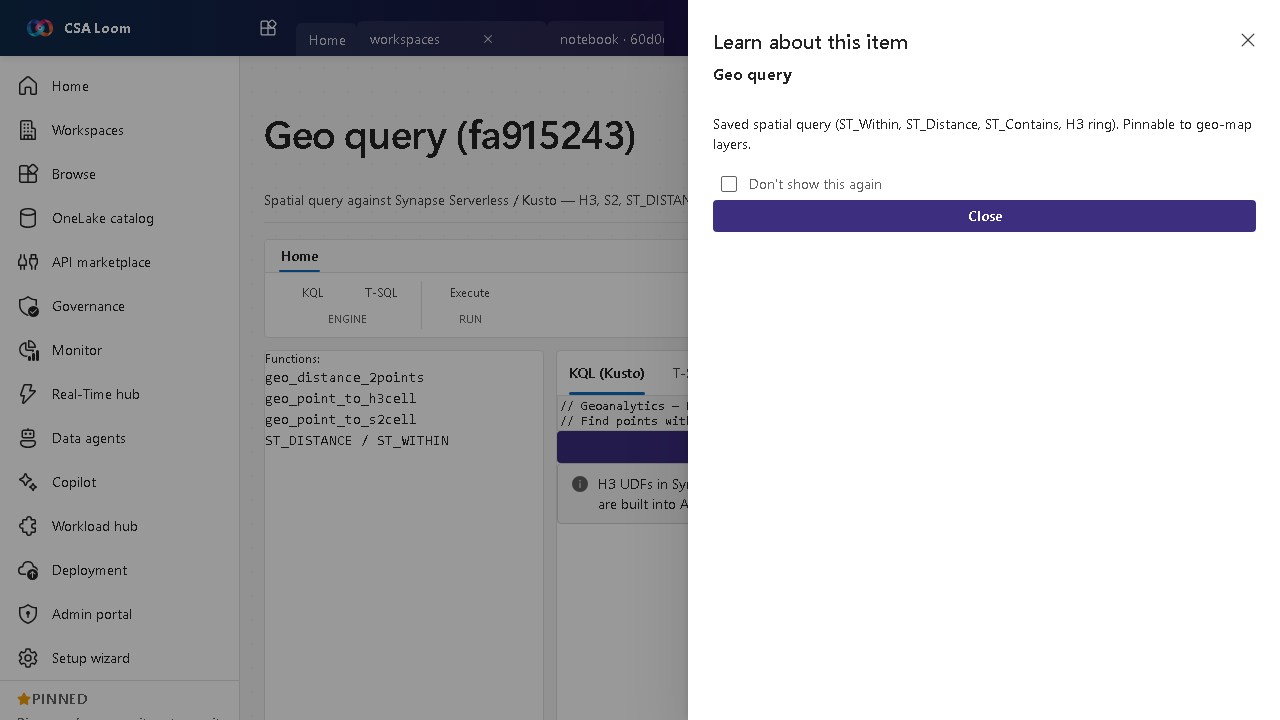
A Geo query is a spatial query against Synapse Serverless or Kusto — H3, S2, ST_DISTANCE, ST_WITHIN. In Loom a KQL-or-TSQL toggle pre-populates H3 and ST examples and submits to Kusto or Synapse Serverless.
Getting started
- Toggle KQL or T-SQL — Pick the backend; the editor pre-populates H3 and ST examples for that dialect.
- Write the spatial query — Use ST_DISTANCE, ST_WITHIN, or H3/S2 functions over your geo-dataset.
- Submit — Run against Kusto or Synapse Serverless via the existing query route.
- Pin results — Pin a saved query to a geo-map layer for visualization.
Learn more
- Microsoft Learn reference: https://learn.microsoft.com/azure/synapse-analytics/sql/query-parquet-files
Verified by the UAT harness
- Tested at:
2026-05-26T13:56:31.224Z - Verdict: A (renders cleanly, real backend responded)
- Test source:
apps/fiab-console/e2e/editors.uat.ts