Azure Data Factory Setup Guide
Note
Quick Summary: Deploy and manage ADF pipeline artifacts for the CSA-in-a-Box platform, including linked services, datasets, pipelines, triggers, and CI/CD integration with Purview lineage.
📑 Table of Contents
- 🏗️ Architecture
- 📎 Prerequisites
- 📁 Pipeline Artifacts
- 📦 Deployment
- ⚙️ Linked Service Configuration
- ⚙️ Trigger Configuration
- ⚙️ Pipeline Parameters
- 🔄 CI/CD Integration
- 📊 Purview Lineage
- 🔧 Troubleshooting
🏗️ Architecture
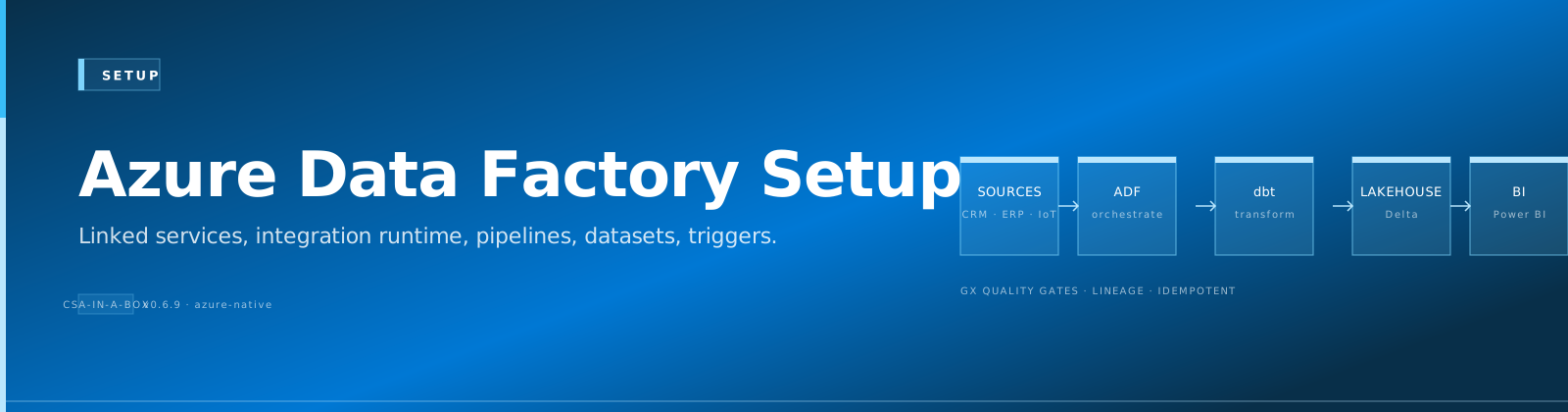
ADF orchestrates the batch data pipeline:
graph TD
    Landing["Landing Container<br/>(CSV/Parquet)"] --> Ingest["pl_ingest_to_bronze<br/>⏰ hourly trigger"]
    Ingest --> Bronze["Bronze<br/>(raw Delta in ADLS)"]
    Bronze --> Orch["pl_medallion_orchestration<br/>⏰ daily trigger"]
    Orch --> dbt["pl_run_dbt_models<br/>Bronze → Silver → Gold"]
    Orch --> test["dbt test<br/>(quality gates)"]
    Orch --> nb["Databricks notebooks<br/>(Spark transforms)"]
    dbt --> SilverGold["Silver / Gold<br/>(validated Delta in ADLS)"]
    test --> SilverGold
    nb --> SilverGold
📎 Prerequisites
- ADF instance deployed via Bicep (
deploy/bicep/DLZ/main.bicep) - ADLS Gen2 storage with
landing,bronze,silver,goldcontainers - Databricks workspace with a running cluster or SQL warehouse
- Key Vault with connection secrets stored
- Azure CLI >= 2.50 with the
datafactoryextension
📁 Pipeline Artifacts
All ADF definitions live under domains/*/pipelines/adf/:
domains/shared/pipelines/adf/
  linkedServices/
    ls_adls_gen2.json          # ADLS Gen2 via managed identity
    ls_databricks.json         # Databricks workspace
  datasets/
    ds_source_delimited.json   # Parameterized CSV source
    ds_adls_parquet.json       # Parquet format
    ds_adls_delta.json         # Delta Lake format
  pl_ingest_to_bronze.json     # Raw file ingestion
  pl_medallion_orchestration.json  # Bronze -> Silver -> Gold
  pl_run_dbt_models.json       # dbt via Databricks
  triggers/
    tr_daily_medallion.json    # Daily 06:00 UTC
    tr_hourly_ingest.json      # Hourly ingestion

domains/sales/pipelines/adf/
  pl_sales_daily_load.json     # Sales-specific daily pipeline
📦 Deployment
Automated deployment (recommended)
The deploy-adf.sh script deploys all artifacts in dependency order:
# Dry run — shows what would be deployed
./scripts/deploy/deploy-adf.sh \
    --factory-name csadlzdevdf \
    --resource-group rg-csadlz-dev \
    --dry-run

# Deploy for real
./scripts/deploy/deploy-adf.sh \
    --factory-name csadlzdevdf \
    --resource-group rg-csadlz-dev
Or via Make:
Important
Deployment order (handled automatically): 1. Linked Services (connections to ADLS, Databricks, Key Vault) 2. Datasets (parameterized data shapes) 3. Pipelines (orchestration logic) 4. Triggers (schedules — started automatically after creation)
Manual deployment (Azure Portal)
- Open your Data Factory in the Azure Portal
- Go to Author > Manage > Linked Services
- Click + New and import each
ls_*.jsonfile - Repeat for Datasets, Pipelines, and Triggers
⚙️ Linked Service Configuration
ls_adls_gen2 — Azure Data Lake Storage
Uses the ADF managed identity for authentication (no keys needed).
Required setup:
- Assign
Storage Blob Data Contributorto the ADF managed identity on the ADLS storage account - The ADF Bicep module outputs
managedIdentityPrincipalIdfor this purpose
ls_databricks — Databricks Workspace
Uses Key Vault to retrieve the Databricks access token.
Required setup:
- Generate a personal access token (PAT) in Databricks
- Store it in Key Vault as secret
databricks-token - Update the linked service JSON if your workspace URL differs
⚙️ Trigger Configuration
| Trigger | Schedule | Pipeline | Purpose |
|---|---|---|---|
tr_hourly_ingest | Every hour | pl_ingest_to_bronze | Pick up new landing files |
tr_daily_medallion | Daily 06:00 UTC | pl_medallion_orchestration | Full Bronze→Silver→Gold refresh |
⌨️ Managing triggers
# Stop a trigger
az datafactory trigger stop \
    --factory-name csadlzdevdf \
    --resource-group rg-csadlz-dev \
    --trigger-name tr_daily_medallion

# Start a trigger
az datafactory trigger start \
    --factory-name csadlzdevdf \
    --resource-group rg-csadlz-dev \
    --trigger-name tr_daily_medallion
⚙️ Pipeline Parameters
pl_ingest_to_bronze
| Parameter | Type | Default | Description |
|---|---|---|---|
sourceContainer | string | landing | Source ADLS container |
sourceFolder | string | — | Folder within the source container |
targetContainer | string | bronze | Target ADLS container |
targetFolder | string | — | Folder within the target container |
pl_medallion_orchestration
| Parameter | Type | Default | Description |
|---|---|---|---|
environment | string | dev | Target environment (dev/staging/prod) |
fullRefresh | bool | false | Force full rebuild (skip incremental) |
alertWebhookUrl | string | — | Teams webhook for failure alerts |
pl_run_dbt_models
| Parameter | Type | Default | Description |
|---|---|---|---|
dbtCommand | string | run | dbt command: run, test, build, seed |
dbtTarget | string | dev | dbt profile target |
dbtModels | string | — | Model selector (e.g., +gld_revenue) |
fullRefresh | bool | false | Pass --full-refresh to dbt |
🔄 CI/CD Integration
The deploy workflow (.github/workflows/deploy.yml) deploys Bicep infrastructure. After infrastructure is up, run the ADF deployment:
# Add to deploy.yml after DLZ Bicep deployment
- name: Deploy ADF pipelines
  run: |
      ./scripts/deploy/deploy-adf.sh \
        --factory-name ${{ env.FACTORY_NAME }} \
        --resource-group ${{ env.RESOURCE_GROUP }}
📊 Purview Lineage
ADF natively pushes lineage to Microsoft Purview when configured. The Bicep module accepts a purviewAccountId parameter that wires this up automatically. See Purview integration in the architecture docs.
🔧 Troubleshooting
See the ADF section in TROUBLESHOOTING.md.
See also:
- ← Previous: Documentation home
- → Next: Self-Hosted IR
- ⌂ Index: Documentation home