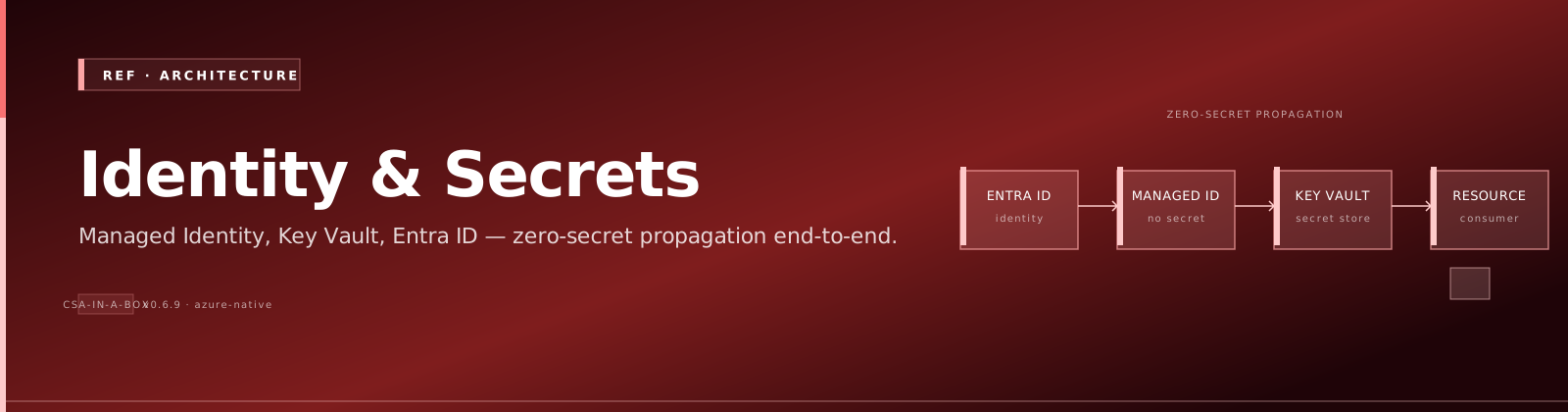
Reference Architecture — Identity & Secrets Flow
TL;DR: Humans authenticate to Entra ID and get RBAC; workloads use managed identities (never service principals with passwords); every secret lives in Key Vault and is referenced by URI; nothing — nothing — has a static credential in code, config, or pipeline.
The problem
Identity and secrets are the #1 source of compromise in cloud platforms. Service-principal secrets get checked into git, connection strings get pasted into ADF parameter files, and shared admin accounts make audit forensics impossible. The only sustainable answer is: workloads have identity, not credentials.
Architecture
flowchart TB
    subgraph Humans[Humans]
        Dev[Developer]
        SRE[SRE / Operator]
        Admin[Privileged Admin]
        Auditor[Auditor]
    end

    subgraph Entra[Entra ID Tenant]
        Users[User accounts<br/>+ MFA]
        Groups[Security groups<br/>+ PIM-eligible]
        SPN[Service principals<br/>federated only]
        ConditionalAccess[Conditional Access<br/>policies]
        PIM[Privileged Identity<br/>Management]
    end

    subgraph Workloads[Azure Workloads]
        ADF[ADF system MI]
        DBX[Databricks system MI]
        Func[Function App MI]
        Synapse[Synapse MI]
        AKS[AKS workload identity]
        Portal[Portal API MI]
    end

    subgraph KV[Azure Key Vault]
        Secrets[Connection strings,<br/>API keys,<br/>certificates]
        Keys[Encryption keys CMK]
        Cert[TLS certs]
    end

    subgraph Resources[Azure Data Plane]
        Storage[Storage<br/>RBAC]
        Cosmos[Cosmos<br/>RBAC]
        SQL[SQL Server<br/>Entra-only]
        AOAI[Azure OpenAI<br/>RBAC]
        Search[AI Search<br/>RBAC]
    end

    subgraph CICD[CI / CD]
        GH[GitHub Actions<br/>OIDC federated]
        AzDO[Azure DevOps<br/>workload identity federation]
    end

    subgraph Audit[Audit Trail]
        SignInLogs[Entra Sign-in Logs]
        ActivityLog[Azure Activity Log]
        DataPlaneLogs[Data plane diagnostic logs]
        DefenderCloud[Defender for Cloud]
    end

    Dev --> Users
    SRE --> Users
    Admin --> PIM
    PIM -. JIT activation .-> Groups
    Users --> Groups
    Groups --> Resources
    Groups -. RBAC .-> KV

    GH -. OIDC token<br/>no secrets .-> SPN
    AzDO -. WIF .-> SPN
    SPN -. RBAC .-> Resources
    SPN -. RBAC .-> KV

    ADF --> Workloads
    DBX --> Workloads
    Func --> Workloads
    Synapse --> Workloads
    AKS --> Workloads
    Portal --> Workloads

    Workloads -. system MI .-> KV
    Workloads -. system MI .-> Resources
    KV -. CMK .-> Storage
    KV -. CMK .-> SQL

    ConditionalAccess -. enforces .-> Users
    ConditionalAccess -. enforces .-> SPN

    Users --> SignInLogs
    SPN --> SignInLogs
    Workloads --> ActivityLog
    Resources --> DataPlaneLogs
    SignInLogs --> DefenderCloud
    ActivityLog --> DefenderCloud
    DataPlaneLogs --> DefenderCloud

    Auditor -. read-only .-> SignInLogs
    Auditor -. read-only .-> ActivityLog
    Auditor -. read-only .-> DataPlaneLogs
Three identity types — when to use which
| Identity | Use for | Forbidden uses |
|---|---|---|
| User account (with MFA + Conditional Access) | Humans logging into the portal, running az commands, accessing dashboards | Workloads. Ever. |
| Managed Identity (system-assigned preferred, user-assigned for shared workloads) | Every Azure workload (ADF, Functions, Databricks, Synapse, AKS, Portal API) accessing other Azure resources | Cross-tenant scenarios (use federated SP) |
| Service Principal (federated identity only — no client secret) | CI/CD pipelines (GitHub Actions OIDC, Azure DevOps WIF), cross-tenant access | Anything where a managed identity would work |
Service principals with client secrets are an anti-pattern. Period. If you find one, rotate it, replace it with federated credentials, and write a runbook entry about why it existed.
Secrets: Key Vault is the only answer
flowchart LR
    Code[Application code<br/>or pipeline] -->|reads URI<br/>not value| Config[App config<br/>or pipeline param<br/>has only KV URI]
    Config -.URI ref.-> KV[Key Vault]
    Workload[Workload MI] -.system MI auth.-> KV
KV -->|short-lived value| Workload- Connection strings → Key Vault → workload reads via MI
- API keys → Key Vault → workload reads via MI
- TLS certs → Key Vault Certificates → auto-rotation enabled
- Encryption keys (CMK) → Key Vault → CMK on Storage / SQL / Cosmos
- Database passwords → don't have them — use Entra-only auth on SQL, Cosmos, Postgres
App settings reference Key Vault by URI, e.g.:
The workload's MI must have Key Vault Secrets User on the vault. Rotation in Key Vault is picked up automatically (cached ~10 min).
Privilege escalation — PIM, not standing access
Standing Owner / Contributor access is the bug, not the feature:
sequenceDiagram
    participant Admin
    participant PIM
    participant Approver
    participant Sub
    Admin->>PIM: Request "Owner" activation<br/>(2 hours, ticket #1234)
    PIM->>Approver: Approval request
    Approver-->>PIM: Approve
    PIM->>Sub: Grant role for 2 hours
    Sub-->>Admin: Action allowed
    Note over Admin,Sub: 2 hours later, role auto-removed
    PIM->>Admin: Notification: role expired
Configure PIM-eligible (not active) for:
- Subscription Owner / Contributor
- Key Vault Administrator
- User Access Administrator
- Any role with
*/writeon production resources
Standing access is for read-only roles only.
CI/CD — federated, never client-secret
GitHub Actions:
- uses: azure/login@v2
  with:
      client-id: ${{ secrets.AZURE_CLIENT_ID }} # SP app ID, not a secret
      tenant-id: ${{ secrets.AZURE_TENANT_ID }}
      subscription-id: ${{ secrets.AZURE_SUBSCRIPTION_ID }}
      # No client-secret. OIDC token issued by GitHub, validated by Entra.
The SP has a federated credential trust configured for the specific repo + branch (repo:fgarofalo56/csa-inabox:ref:refs/heads/main). Tokens are short-lived (1 hour) and scoped to that trust.
This eliminates the entire class of "the SP secret leaked from CI" incidents.
What goes in audit (and how long)
| Log | Source | Retention | Where it lands |
|---|---|---|---|
| Entra Sign-in Logs | Every authentication | 90 days free, longer with archive | Log Analytics + Storage archive |
| Entra Audit Logs | Every directory change | 90 days free | Log Analytics + Storage archive |
| Azure Activity Log | Every control-plane action | 90 days free | Log Analytics workspace |
| Resource diagnostic logs | Every data-plane action (Storage reads, KV reads, SQL queries) | Configurable per resource | Log Analytics + Storage archive |
| Defender for Cloud alerts | Threat detection | 90 days hot | Log Analytics + Sentinel optional |
Auditors get read-only Log Analytics + Storage archive access. They never get write access to anything.
Trade-offs
✅ What this gives you
- Zero static credentials in code or pipelines
- Every action traceable to a human or workload identity
- Privilege escalation requires JIT activation + approval + reason
- Secret rotation is a Key Vault config change, not a code deploy
- Compliance auditors get a clean story
⚠️ What you give up
- More upfront setup (PIM config, federated SP setup, Key Vault wiring)
- Workloads need MI — adds a Bicep dependency on
Microsoft.ManagedIdentityfor every workload - PIM activation has a 0–5 minute delay; on-call gets used to it
- A Key Vault outage (rare, but possible) takes down everything that reads secrets at startup. Mitigate with regional KV pairs + cached secrets at workload startup.
Variants
| Scenario | Variant |
|---|---|
| Cross-tenant (e.g., partner access) | Federated SPs with cross-tenant federation, scoped to specific resource groups |
| Air-gapped / sovereign | Same pattern; Key Vault is regional and CMK uses Managed HSM rather than software-protected keys |
| Hybrid (on-prem AD + Entra) | Entra Connect Sync; on-prem accounts get Entra identity; same RBAC model |
| Workload identity for AKS | AKS workload identity (OIDC) instead of pod-managed-identity; same trust model as GH Actions |