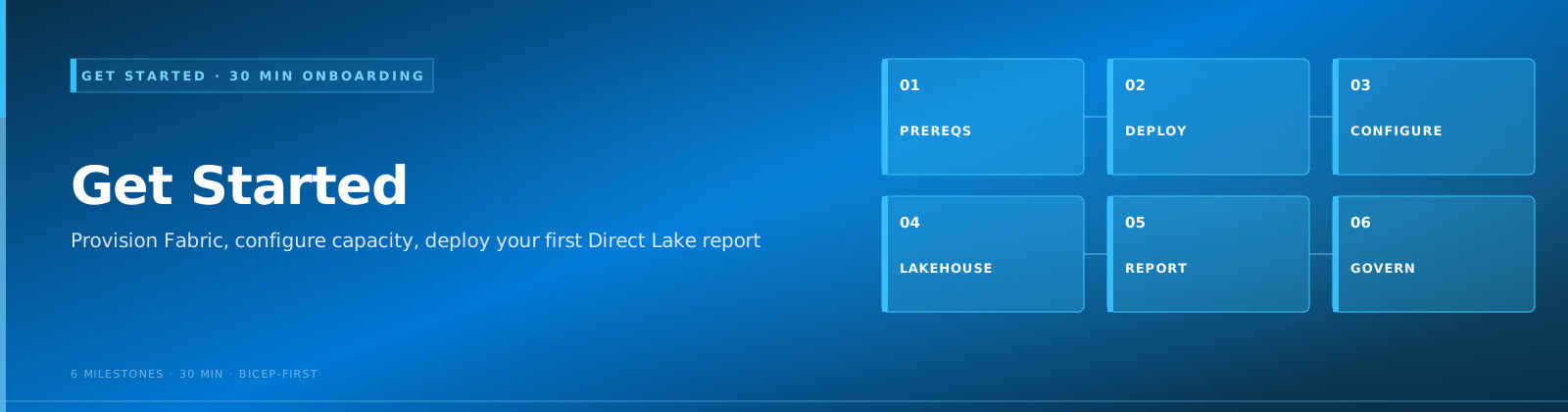
BI Developer Quickstart¶ Quick Start
Last Updated: 2026-05-05 | Role: BI Developer Goal: Build performant Power BI reports backed by Direct Lake semantic models, DAX measures, and enterprise-grade delivery mechanisms.
Persona & Typical Day
You design and maintain Power BI semantic models, reports, dashboards, and data visualizations. A typical day involves authoring DAX measures, optimizing model relationships for query performance, publishing reports to workspaces, troubleshooting slow visuals, and collaborating with data engineers on gold-layer table design to ensure the right granularity for your reports.
You care about user experience, query performance, data freshness, and visual clarity.
Your First 30 Minutes
Follow these steps to get your first Direct Lake report running:
-
Verify your environment - Make sure your workspace has a Fabric capacity and that gold-layer Lakehouse tables are available. Tutorial 00: Environment Setup
-
Connect Direct Lake to gold tables - Create a semantic model that reads directly from Delta tables without import or DirectQuery overhead. Tutorial 05: Direct Lake & Power BI
-
Explore the Power BI best practices guide - Understand naming conventions, measure organization, and relationship modeling for Fabric. Power BI Best Practices
-
Review star schema modeling patterns - Gold tables should follow star schema conventions for optimal Direct Lake performance. Data Modeling & Star Schema
-
Set up Scorecards for KPI tracking - Create metrics-driven scorecards for executive reporting. Scorecards & Metrics
Your First Week
| Day | Focus | Resource |
|---|---|---|
| 1 | Complete 30-minute path above | Tutorials 00, 05 + Power BI best practices |
| 2 | Build Composite Models for multi-source reports | Composite Models |
| 3 | Author Paginated Reports for operational/compliance needs | Paginated Reports |
| 4 | Set up deployment pipelines for dev/test/prod promotion | Deployment Pipelines |
| 5 | Configure Data Activator alerts on key metrics | Data Activator |
Key Features for BI Developers
| Feature | Doc Link | Why It Matters |
|---|---|---|
| Direct Lake | Direct Lake Guide | Import-speed performance with DirectQuery freshness - no data duplication |
| Power BI Best Practices | Best Practices | Naming, relationships, measures, and model optimization |
| Star Schema Modeling | Modeling Guide | Correct dimensional modeling is the foundation of fast reports |
| Paginated Reports | Paginated Reports | Pixel-perfect reports for print, compliance, and operational delivery |
| Scorecards & Metrics | Scorecards | Executive KPI tracking with goals and status indicators |
| Composite Models | Composite Models | Combine Direct Lake with DirectQuery for cross-source reporting |
| TMDL & Developer Mode | TMDL Guide | Version-control semantic models as text files for CI/CD |
| Deployment Pipelines | Deployment Pipelines | Promote content across dev, test, and production workspaces |
| Data Activator | Data Activator | Trigger alerts and actions when data conditions are met |
Common Pitfalls
-
Using Import mode when Direct Lake is available - Direct Lake gives you import-speed queries without the memory overhead of importing data. Always prefer it for Lakehouse-backed models.
-
Building one massive flat table instead of a star schema - Wide denormalized tables degrade query performance and bloat model size. Use fact and dimension tables with proper relationships.
-
Not optimizing DAX measures - Complex DAX that iterates row-by-row (SUMX over large tables without filters) kills report performance. Use aggregation functions and pre-calculated gold columns where possible.
-
Skipping deployment pipelines - Manually publishing to production invites errors. Use Fabric deployment pipelines to promote content through dev/test/prod stages.
-
Ignoring Paginated Reports for operational use cases - Standard Power BI reports are not designed for pixel-perfect printing or parameterized batch delivery. Use Paginated Reports for invoices, compliance forms, and operational exports.
Related Resources
-
Direct Lake Deep Dive
Architecture, fallback behavior, framing, and performance tuning for Direct Lake semantic models.
-
Star Schema Modeling
Dimension and fact table design patterns optimized for Fabric analytics.
-
Deployment Pipelines
Content lifecycle management across development, test, and production.
-
Paginated Reports
Pixel-perfect, parameterized reports for compliance and operational delivery.