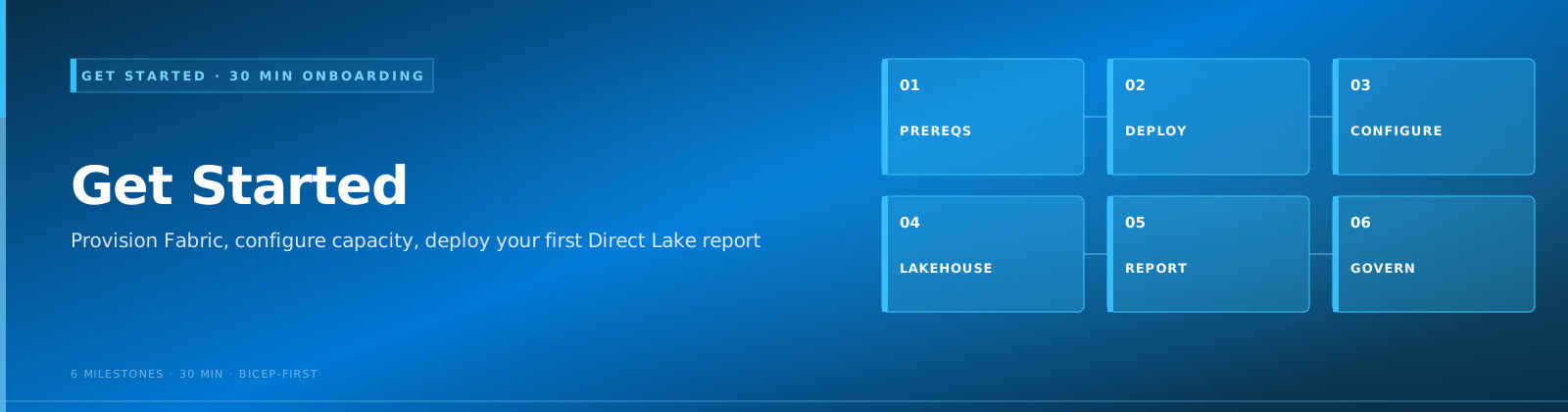
🚀 Quick Start Guide¶ Quick Start
Last Updated: 2026-04-15 | Version: 2.0 Status: ✅ Final | Maintainer: Documentation Team



Get your Microsoft Fabric Casino Analytics POC running in under 15 minutes.
📌 This guide follows Path B (Quickstart) — no Azure infrastructure deployment required. You only need a Fabric capacity and workspace. For the production-aligned Path A (Bicep + ADLS shortcuts), see Tutorial 00 Step 4.
For the full walkthrough with screenshots and explanations, see Tutorial 00: Environment Setup.
📋 Prerequisites
| Requirement | Details |
|---|---|
| Azure Subscription | With Contributor access |
| Fabric Capacity | F64 SKU (or F2 for testing) — must be Running, not paused |
| Fabric Enabled | In your Microsoft Entra ID tenant |
| Python 3.10+ | For data generation (local path only) |
No Fabric capacity yet? Start a 60-day Fabric trial for free.
🔧 Step 1: Clone and Configure
git clone https://github.com/fgarofalo56/Suppercharge_Microsoft_Fabric.git
cd Suppercharge_Microsoft_Fabric
Copy the environment template and fill in your values:
Required .env values:
AZURE_SUBSCRIPTION_ID=<your-subscription-id>
AZURE_TENANT_ID=<your-tenant-id>
AZURE_LOCATION=eastus2
FABRIC_CAPACITY_SKU=F64
PROJECT_PREFIX=casinopoc
Checkpoint: You should be in the Suppercharge_Microsoft_Fabric/ directory with a populated .env file.
☁️ Step 2: Deploy Infrastructure
az login

# Register providers (first time only — takes ~2 minutes)
az provider register --namespace Microsoft.Fabric
az provider register --namespace Microsoft.Storage

# Preview what will be created
az deployment sub what-if \
  --location eastus2 \
  --template-file infra/main.bicep \
  --parameters infra/environments/dev/dev.bicepparam

# Deploy (~10 minutes)
az deployment sub create \
  --location eastus2 \
  --template-file infra/main.bicep \
  --parameters infra/environments/dev/dev.bicepparam
Checkpoint: Run az deployment sub show --name main --query properties.provisioningState — should return "Succeeded".
🏗️ Step 3: Create Workspace and Lakehouses
This step is done in the Fabric portal — Bicep deploys the capacity, but you create the workspace manually.
- Open app.fabric.microsoft.com
- Click Workspaces in the left nav, then + New workspace
- Set the name to
casino-fabric-poc, assign your Fabric capacity, click Apply - Inside the workspace, create three Lakehouses (+ New > Lakehouse):
| Lakehouse | Purpose |
|---|---|
lh_bronze | Raw ingested data (append-only) |
lh_silver | Cleansed, validated, deduplicated data |
lh_gold | Business aggregations and KPIs |
Checkpoint: Your workspace item list shows lh_bronze, lh_silver, and lh_gold.
🎲 Step 4: Generate Sample Data
Choose one of the three paths below.
Option A: Local Python
# From the repo root (Suppercharge_Microsoft_Fabric/)
python -m venv .venv

# Windows
.venv\Scripts\activate
# macOS / Linux
source .venv/bin/activate

pip install -r requirements.txt

# Generate 1 day of casino data — outputs to data_generation/output/
python data_generation/generate.py --all --days 1
Option B: Docker
# Uses the v2 'docker compose' command (not the deprecated docker-compose)
docker compose up data-generator
Option C: Skip (use Fabric notebooks directly)
The Bronze notebooks can generate synthetic data inline. Skip this step and proceed to Step 5.
Checkpoint (Options A/B): The data_generation/output/ directory contains CSV/Parquet files for slots, players, and transactions.
📓 Step 5: Run Your First Notebook
Fabric notebooks are not imported as files. You create a new notebook and paste the code.
- Open app.fabric.microsoft.com and navigate to the
casino-fabric-pocworkspace - Click + New > Notebook
- In the notebook's Lakehouse explorer panel (left side), click Add and attach
lh_bronze - Open
notebooks/bronze/01_bronze_slot_telemetry.pyfrom this repo in any text editor - Copy the cell contents into the notebook cells (each
# COMMAND ----------separator marks a new cell) - Click Run All
First-time notebook execution takes 2-3 minutes while Fabric provisions a Spark cluster. Subsequent runs are faster.
Checkpoint: After the run completes, expand Tables in the Lakehouse explorer — you should see bronze_slot_telemetry with data.
Verify with a query
Create a new cell in the same notebook and run:
df = spark.read.format("delta").load("Tables/bronze_slot_telemetry")
print(f"Row count: {df.count()}")
display(df.limit(5))
You should see rows with columns like machine_id, casino_id, event_type, amount, and timestamp.
🗺️ Where to Go Next
| Task | Tutorial |
|---|---|
| Detailed environment setup | Tutorial 00: Environment Setup |
| Build Silver Layer | Tutorial 02: Silver Layer |
| Create Gold Aggregations | Tutorial 03: Gold Layer |
| Set Up Real-Time Analytics | Tutorial 04: Real-Time Analytics |
| Connect Power BI | Tutorial 05: Direct Lake & Power BI |
🔧 Troubleshooting
| Error / Symptom | Cause | Fix |
|---|---|---|
Deployment failed — QuotaExceeded | Not enough Fabric CU quota in the region | Request a quota increase in Azure Portal > Quotas, or use a smaller SKU (F2) |
| Notebook cell hangs for 5+ minutes | Spark cold start on first run | Wait up to 3 minutes. If it exceeds 5 minutes, cancel and re-run — the cluster may have failed to provision |
Table not found or empty Tables folder | Notebook not attached to the correct Lakehouse | Click the Lakehouse icon in the notebook sidebar, remove the wrong one, and attach lh_bronze |
Capacity is paused or notebook won't start | Fabric capacity is paused or deallocated | Go to Azure Portal > your Fabric capacity resource > click Resume (takes 1-2 minutes) |
pip install fails on Windows | No virtual environment activated | Run .venv\Scripts\activate before pip install |
docker compose not recognized | Using the deprecated docker-compose binary | Install Docker Desktop 4.x+ which includes the docker compose plugin |
📚 Related Documentation
| Document | Description |
|---|---|
| 📋 Prerequisites | Full prerequisites guide |
| 🏗️ Architecture | System architecture |
| 🚀 Deployment | Detailed deployment guide |
⬆️ Back to Top | 📚 Docs | 🏠 Home
📖 Documentation maintained by: Frank Garofalo 🔗 Repository: Suppercharge_Microsoft_Fabric
Total Time: ~15 minutes (mostly waiting for Bicep deployment and Spark cold start).